How to Create YouTube Videos With AI Voiceovers
Create engaging YouTube videos with AI narration, visuals, and captions—without recording your own voice.
Read More
Create content faster with AI voiceovers, captions, and smarter workflows.
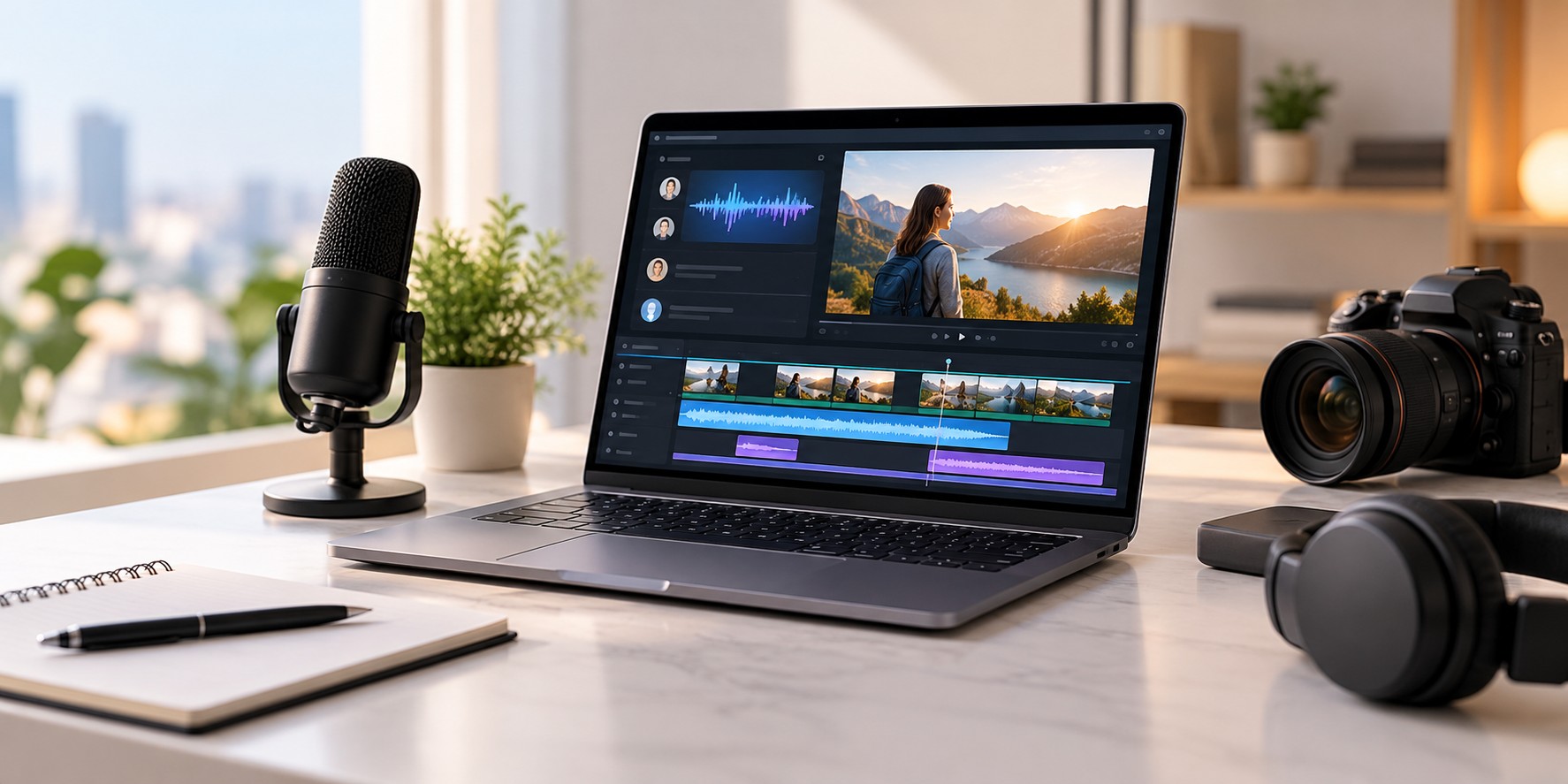
Creating content takes more time than most people expect. Writing a script is only the beginning. You may also need to record a voiceover, edit a video, add captions, prepare visuals, and publish everything on different platforms.
The right AI tools can make this process easier. From AI voiceovers and text to speech to video captions and content automation, there are simple ways to reduce repetitive work and spend more time creating useful content.
In this guide, we'll look at how to build a faster content creation workflow, which tasks you can simplify with AI, and how to create videos without making the process unnecessarily complicated.
Before opening an AI tool or video editor, decide what you want to create and who you want to reach.
You might be making a YouTube video, a product demonstration, an online course, a social media clip, or a promotional video for your business. Having a clear goal makes the next steps easier.
AI tools can help you research a topic, organize ideas, prepare an outline, and find questions your audience may want answered. Platforms such as Jobbit can support AI-assisted research, content creation, and task automation as part of a broader workflow.
Use these tools to get started, but review the information and add your own experience. A useful idea and a clear message matter more than simply producing content quickly.
A good video starts with a script that people can easily understand. You don't need complicated words or long paragraphs. Write as if you're explaining something to another person.
Keep sentences clear, remove unnecessary details, and focus on the main message. If you're creating a tutorial, explain each step in the order the viewer needs to follow it.
Read your script aloud before moving on. If a sentence feels awkward when you say it, rewrite it. This is especially important when using an AI voice generator because the quality of the narration also depends on how the text is written.
A clear script makes it easier to create a natural-sounding AI voiceover and reduces the amount of editing needed later.
Recording audio can take time. You need a suitable microphone, a quiet space, and sometimes several takes to get the result you want. An AI voice generator gives you another option.
With AiVOOV, you can convert written text into speech using AI text-to-speech technology. Enter your script, choose a voice and language, and generate an audio file for your content.
AiVOOV offers more than 2,300 AI voices across 155+ languages and accents. This makes it useful for creators who produce different types of content or want to reach audiences in multiple languages.
You can use an AI voiceover for YouTube videos, tutorials, podcasts, e-learning courses, product demonstrations, presentations, and marketing videos.
One major benefit of text to speech online is that you can update your narration whenever your script changes. Instead of recording everything again, edit the text and generate a new version.
Choose a voice that fits your content. A tutorial may need a calm, clear voice, while a promotional video may suit a more energetic delivery. Always listen to the generated audio before adding it to your video.
Once your AI voiceover is ready, start putting the video together. Your visuals could include screen recordings, product images, demonstrations, slides, photographs, or video clips.
Try to show what the narration is explaining. If you're talking about a product feature, show that feature on screen. If you're teaching a process, use screenshots or demonstrations to make the steps easier to follow.
You don't need to fill every second with effects or animations. A few relevant visuals can communicate an idea more clearly than a video filled with unnecessary elements.
If you're building your own AI-powered application or content platform, WhollyAPI can be relevant for integrating AI models through APIs. This approach may help developers automate selected tasks or add AI capabilities directly to their own applications.
Start with the tools you actually need. Add more automation only when it solves a real problem in your workflow.
Captions make videos easier to follow, especially when people are watching without sound or in a noisy environment. They can also help viewers keep up with the narration when a video contains unfamiliar terms or detailed explanations.
For creators who want to simplify subtitle creation, CutCap.ai can help generate subtitles and add animated captions to videos.
Captions are particularly useful for YouTube Shorts, social media clips, tutorials, and other short-form content. You can highlight important words, but keep the design readable and avoid covering important parts of the video.
Always check the final subtitles for incorrect words, spelling mistakes, and timing issues. A quick review can make the finished video look much more professional.
It's easy to spend too much time choosing transitions, adding effects, and adjusting small details. Some editing choices can improve a video, but more effects don't automatically mean better content.
Focus on the things viewers notice most:
A clean, well-paced video is often more effective than one filled with distracting effects. Create a style that works for your content and reuse it in future projects.
The real benefit of AI tools is not just creating one video faster. It's being able to produce your next video without starting every task from scratch.
A simple content creation workflow could look like this:
Keep a copy of your scripts, audio files, editing templates, and brand assets. Reusable templates can save time when creating videos with a similar format.
You can also use AI-assisted task management or automation tools to organize your work. If you're developing a more customized workflow, APIs can help connect selected steps instead of requiring you to manage everything manually.
One piece of content can often be adapted for several purposes. For example, a longer YouTube video might provide material for:
When adapting content, make sure the format fits the platform. A short social media video may need a different introduction from a detailed tutorial, even when both use the same source material.
AI voiceover tools can also make multilingual content easier to produce. You can prepare a localized script and generate narration in another language without arranging a separate recording session for every version.
AI can speed up content production, but it doesn't remove the need for human review. Always check the finished work before sharing it with your audience.
Listen to the full voiceover and check pronunciation, pacing, and pauses. Watch the video from beginning to end. Make sure the visuals match the narration and that the captions are accurate.
It's also worth reviewing your workflow after each project. Which task took the most time? Did you need to regenerate the voiceover several times? Could you reuse a template or simplify an editing step?
Small improvements can make a noticeable difference when you're creating content regularly.
You don't need dozens of applications to build an effective content creation workflow. Start with a few tools that solve your main problems.
Script writing: Plan your ideas and prepare clear, natural scripts.
AI voiceover: Use AiVOOV to turn text into speech for videos, tutorials, presentations, and other projects.
Visual creation: Prepare images, screen recordings, graphics, and video clips that support your message.
Captions: Use CutCap.ai to help create subtitles and animated captions for your videos.
AI integrations: Explore WhollyAPI if you need API access to AI models for your own applications or automated workflows.
Research and task management: Use tools such as Jobbit to support research, content tasks, and broader workflow organization.
The best combination depends on the type of content you create and the tasks that take up most of your time. Avoid adding tools simply because they're available.
Creating content doesn't have to involve a complicated production process. Start with a useful idea, write a clear script, create a natural AI voiceover, add relevant visuals, and finish with accurate captions and careful editing.
Tools such as AiVOOV and CutCap.ai can simplify parts of video production, while Jobbit and WhollyAPI may help with broader AI-assisted tasks and custom integrations.
You don't need to automate everything at once. Choose the steps that take the most time and improve them one by one.
With a simple workflow you can repeat, it's easier to create consistent content, update projects when needed, and spend more time on the ideas that matter to your audience.
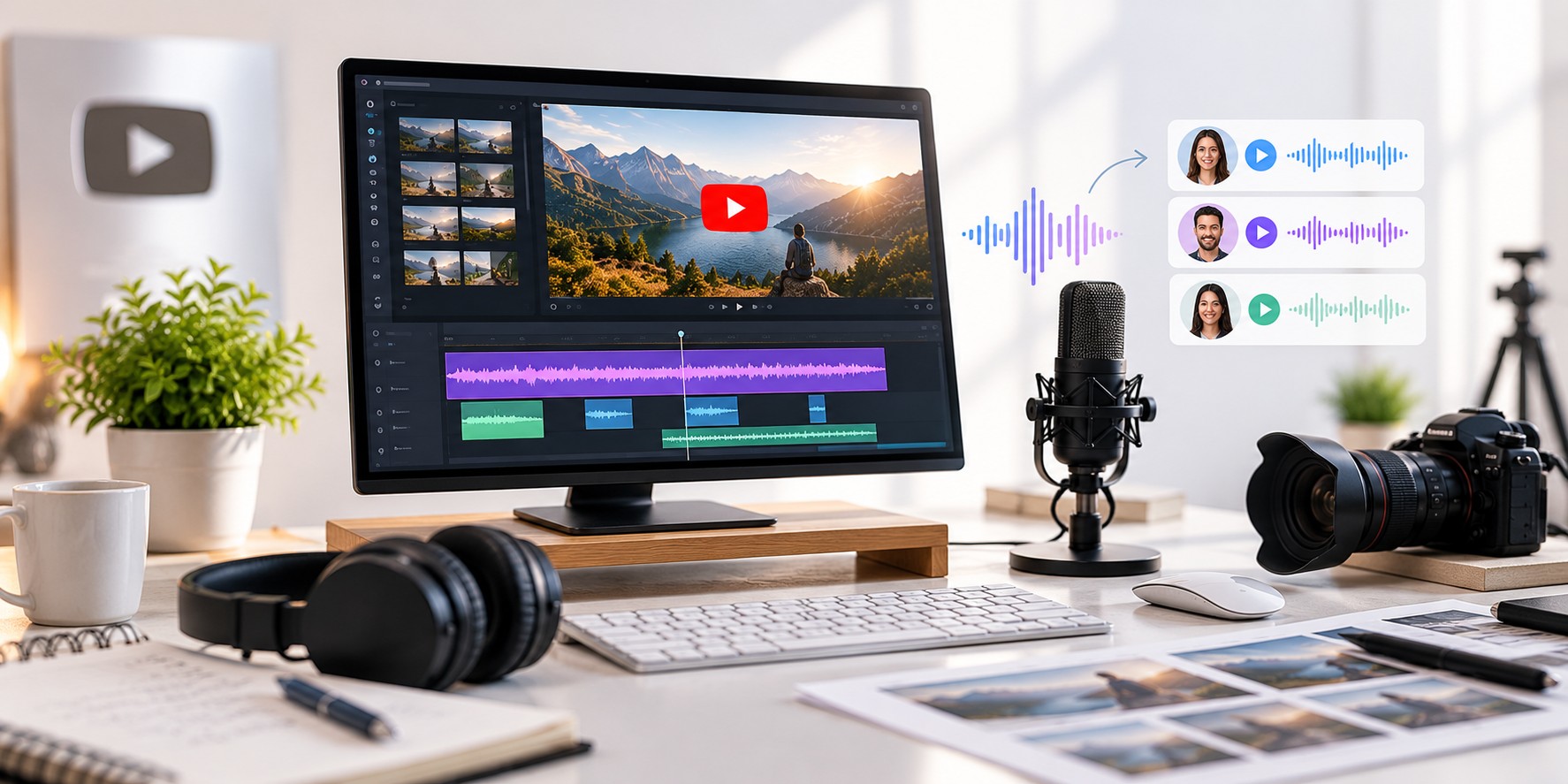
Create engaging YouTube videos with AI narration, visuals, and captions—without recording your own voice.
Read More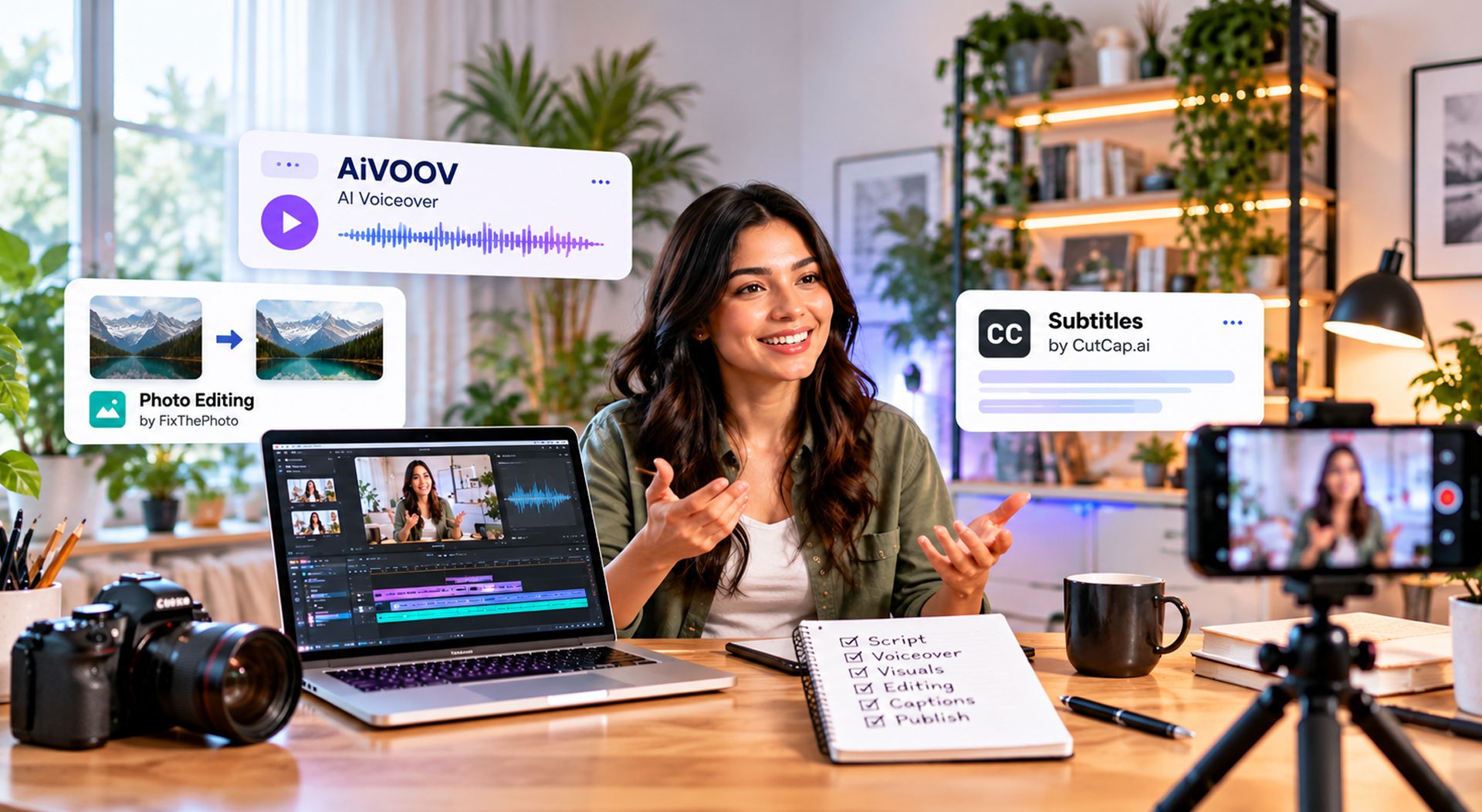
A Simple Content Creation Workflow Using AI Voiceovers, Better Visuals, Editing & Captions
Read MoreAiVOOV seamlessly integrates with various web platforms, making it a versatile choice for professionals.











What are you waiting for?
Create your account to generate realistic text-to-speech (TTS) audio with our online AI voice generator.
Try for Free